
How to Get Your Marksville Business on Google Maps

You've probably searched for your own business on Google and felt that sinking feeling when someone else — maybe a competitor two towns over — showed up instead of you. If you run a shop, salon, restaurant, or service in Marksville or anywhere in Avoyelles Parish, getting onto Google Maps isn't optional anymore. It's how people find you before they ever pick up the phone.
To get your Marksville business on Google Maps, you need to create and verify a free Google Business Profile at business.google.com. Once you claim your listing, add your address, phone number, hours, photos, and business category. Google will mail a postcard to your business address with a verification code — enter that code and your listing goes live. The whole process takes less than an hour and costs nothing.
Step-by-Step: Get on Google Maps Today
Go to business.google.com and sign in with a Google account — use the same Gmail you check regularly, not one you'll forget.
Type your business name exactly as it appears on your sign or business card. If Google shows a listing that already exists for your business, click 'Claim this business' instead of creating a new one.
Select the category that fits your business best — 'Hair Salon,' 'General Contractor,' 'Cajun Restaurant,' or whatever matches closest. This is one of the biggest factors in who finds you, so don't rush it.
Enter your full business address. If you work from home or go to customers (like a plumber or mobile notary), you can hide your address and just show your service area instead — Avoyelles Parish, Rapides Parish, or whatever territory you cover.
Add your phone number and website. No website yet? Leave it blank for now and come back to it — getting the listing live is what matters first.
Set your business hours. Include Saturday and Sunday if you're open. Customers searching on a Friday night want to know if you're there Saturday morning.
Upload at least three photos — your storefront, your work, or your team. A photo of your actual shop on Main Street in Marksville tells Google and customers this is a real, local business.
Request your verification postcard. Google mails it to your business address, usually within five days. When it arrives, log back in and enter the five-digit code. Your listing is now live on Google Maps.
Don't skip the verification step. An unverified listing can't be fully managed, won't rank well, and can be edited by anyone — including a competitor.
The Mistake That Kills Most Local Listings
The most common mistake we see from Cenla business owners is creating a second listing instead of claiming the first one. Google often auto-generates a basic listing from public data — your business might already be out there with a wrong phone number or old address. If you create a new one instead of claiming the existing one, you end up with duplicate listings. Google penalizes that, and customers get confused.
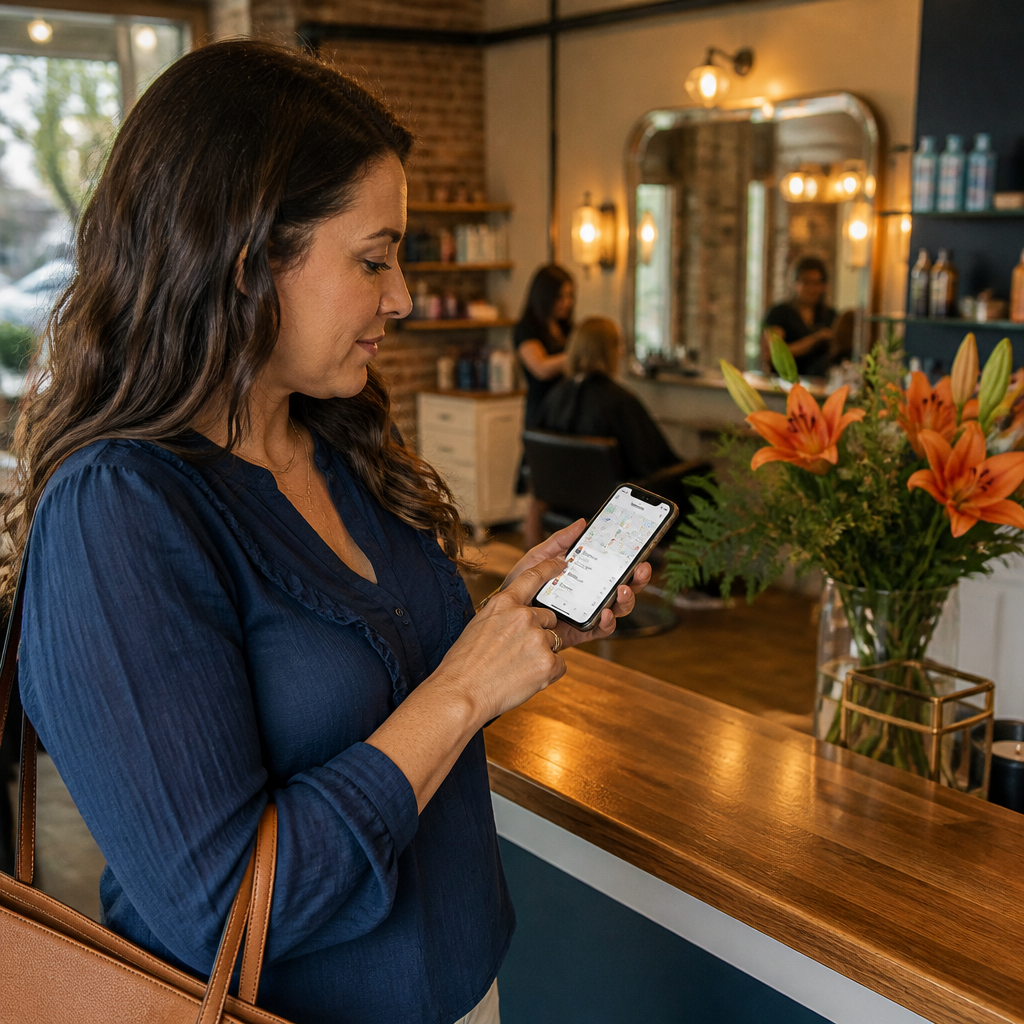
Always search your business name on Google Maps before you start. If something comes up, click it and look for a 'Claim this business' or 'Own this business?' link. That's your listing. Claim it, correct the details, and then verify. A hair salon in Marksville we worked with had been operating for three years with a disconnected phone number on her unclaimed listing — she had no idea why new customers weren't calling.
Here's the thing — even after you go live, the work isn't completely done. Google rewards listings that stay active. Ask your happy customers to leave a review. Add new photos every month or two. Post a quick update when you change your hours for a holiday. These small habits push you higher in local search results over time.
Frequently Asked Questions
How do I get my Cenla business to show up on Google Maps for free?
Create a Google Business Profile at business.google.com — it's completely free. Add your business name, address, phone, hours, and photos, then verify with the postcard Google mails you. Once verified, your business appears on Google Maps and in local search results when people nearby search for what you offer. There is no paid requirement to be listed.
How long does it take for my Marksville business to show up on Google after I verify?
Most listings appear on Google Maps within a few days of entering your verification code. Sometimes it's faster — a few hours. In rare cases it takes up to two weeks if Google needs extra review. If your listing doesn't show up after two weeks, log into your Google Business Profile dashboard and check for any alerts or additional verification requests.
Do I need a website to get my business on Google Maps in Louisiana?
No. You can get a fully active Google Maps listing without a website. Your phone number, address, photos, and reviews do a lot of the heavy lifting for local searches. That said, adding a website — even a simple one-page site — does help you rank higher and gives customers a place to learn more before they call. It's worth adding one eventually, but don't let the lack of a website stop you from claiming your listing right now.
If you get through these steps and hit a wall — a duplicate listing you can't merge, a verification code that never arrived, or a suspended account — the team at Dauzat Martins helps Marksville and Central Louisiana businesses sort this out regularly. We also help you build on top of that listing so it actually brings in customers, not just clicks. Reach out anytime and we'll take a look at where you stand.

Comments